Where is the time being spent?
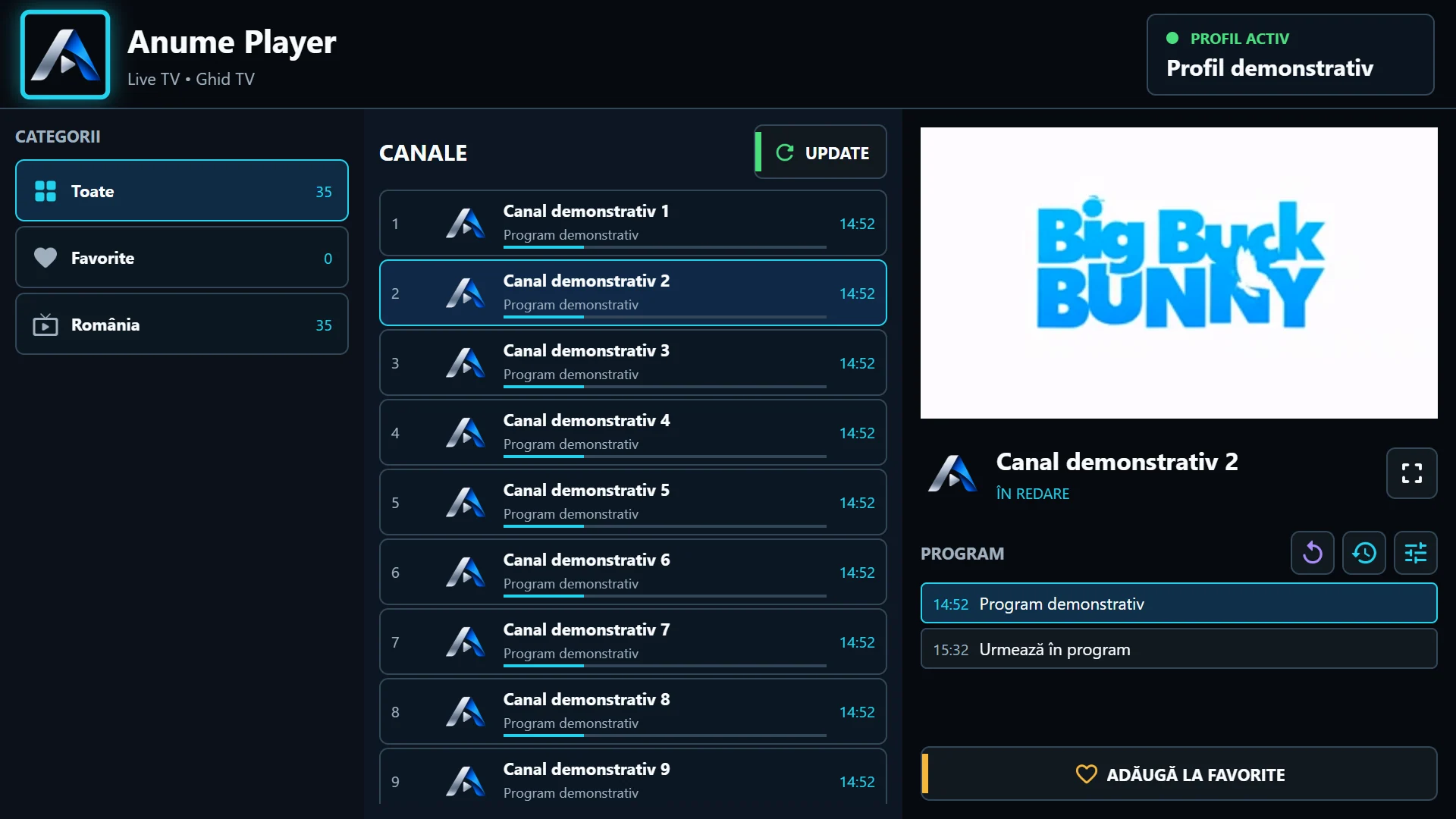
If menus and playlists appear slowly, check portal availability and catalogue loading. If the list is already visible but a channel remains at Connecting, focus on the video source and engine. A fast website response does not measure stream startup.
Test one channel and note time to picture and sound. Repeat a few times without changing everything. Cache and provider load can affect a single attempt; one test does not prove an engine is always faster.
Compare engine and network separately
On Android / Fire OS, try the same channel with Exo and VLC. In Auto mode, an unsuccessful attempt before switching engines may add waiting. After a representative comparison, explicitly selecting an engine for that playlist may suit it better.
Check connection stability, not only a speed test’s maximum rate. If possible, compare a wired connection or a position with better Wi-Fi reception. Avoid testing several devices simultaneously if the provider allows only one account connection.
More buffer does not mean instant startup
A larger buffer can help with transfer variation after startup but may increase initial waiting and memory use. A very small buffer can start quickly and then run dry. No universal value fixes every source and network.
If only one provider or certain channels are affected, record examples and times. Send support the edition, version, engine and test results. Do not reinstall first or expect instant startup from a stream the server is still preparing.