Focus and selection do different things
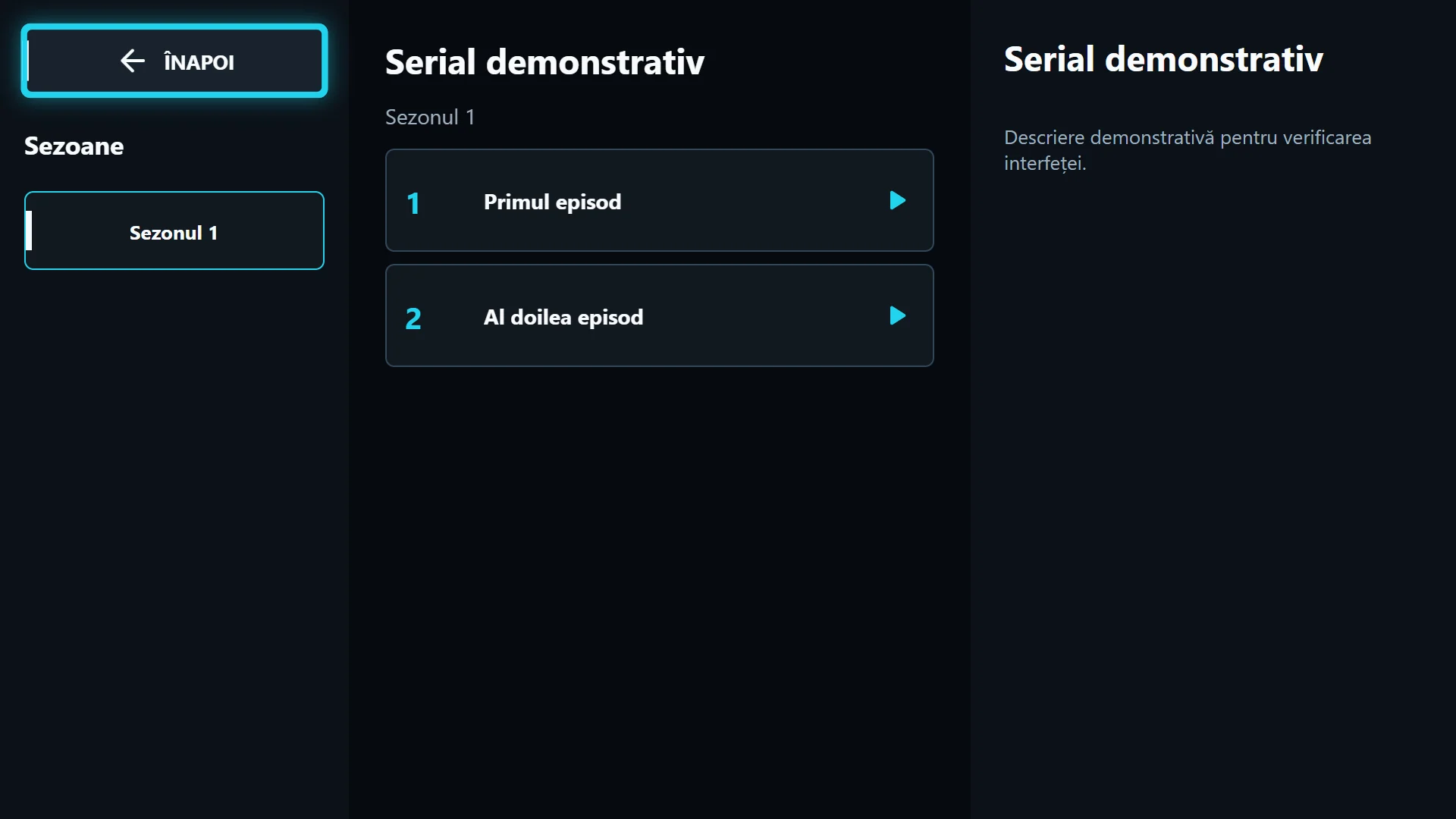
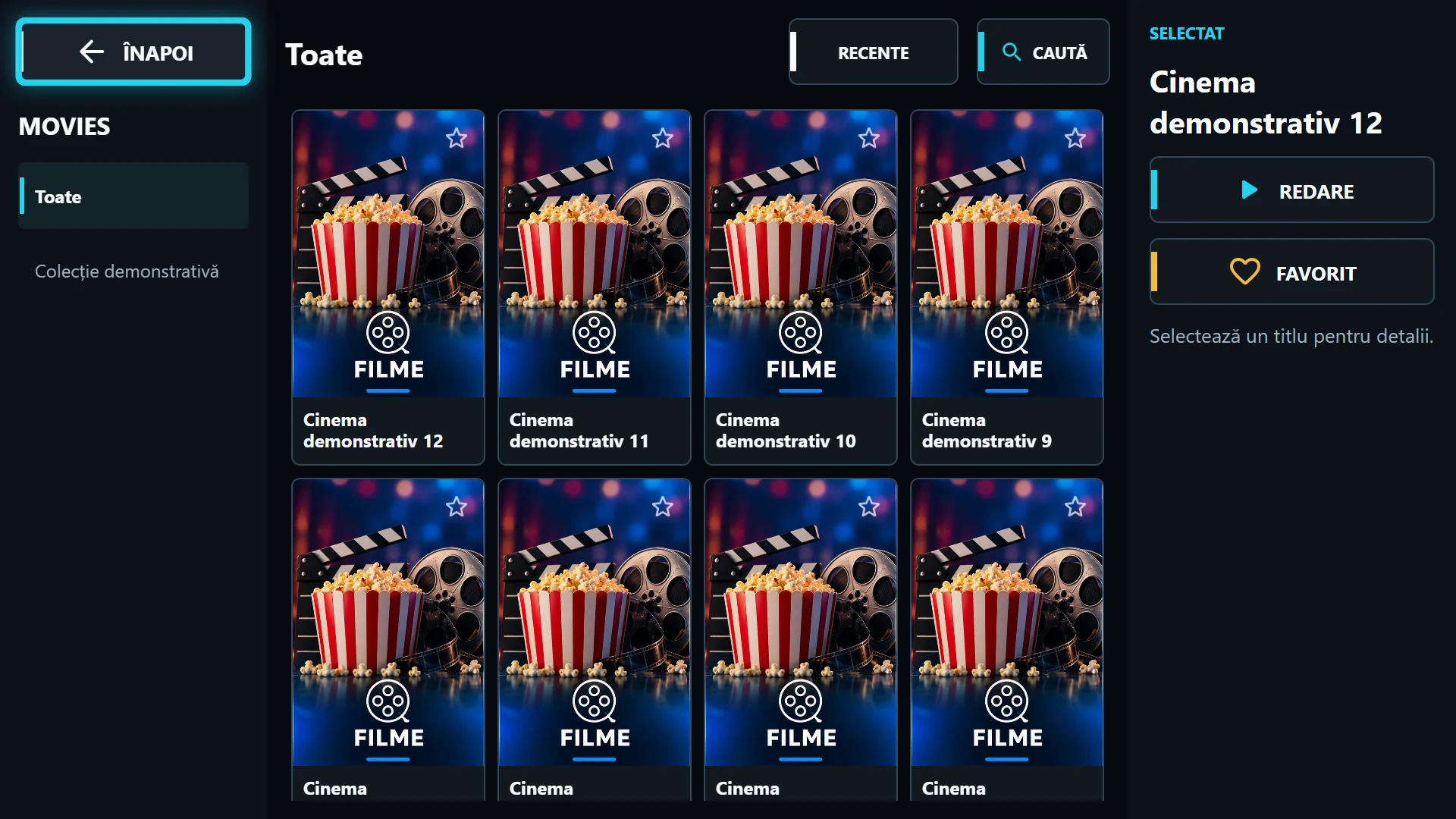
Arrow keys move the visible focus between categories, channels and controls. OK confirms the highlighted item. Merely moving focus to another channel does not mean you have requested playback; you can read its name and programme before selecting it.
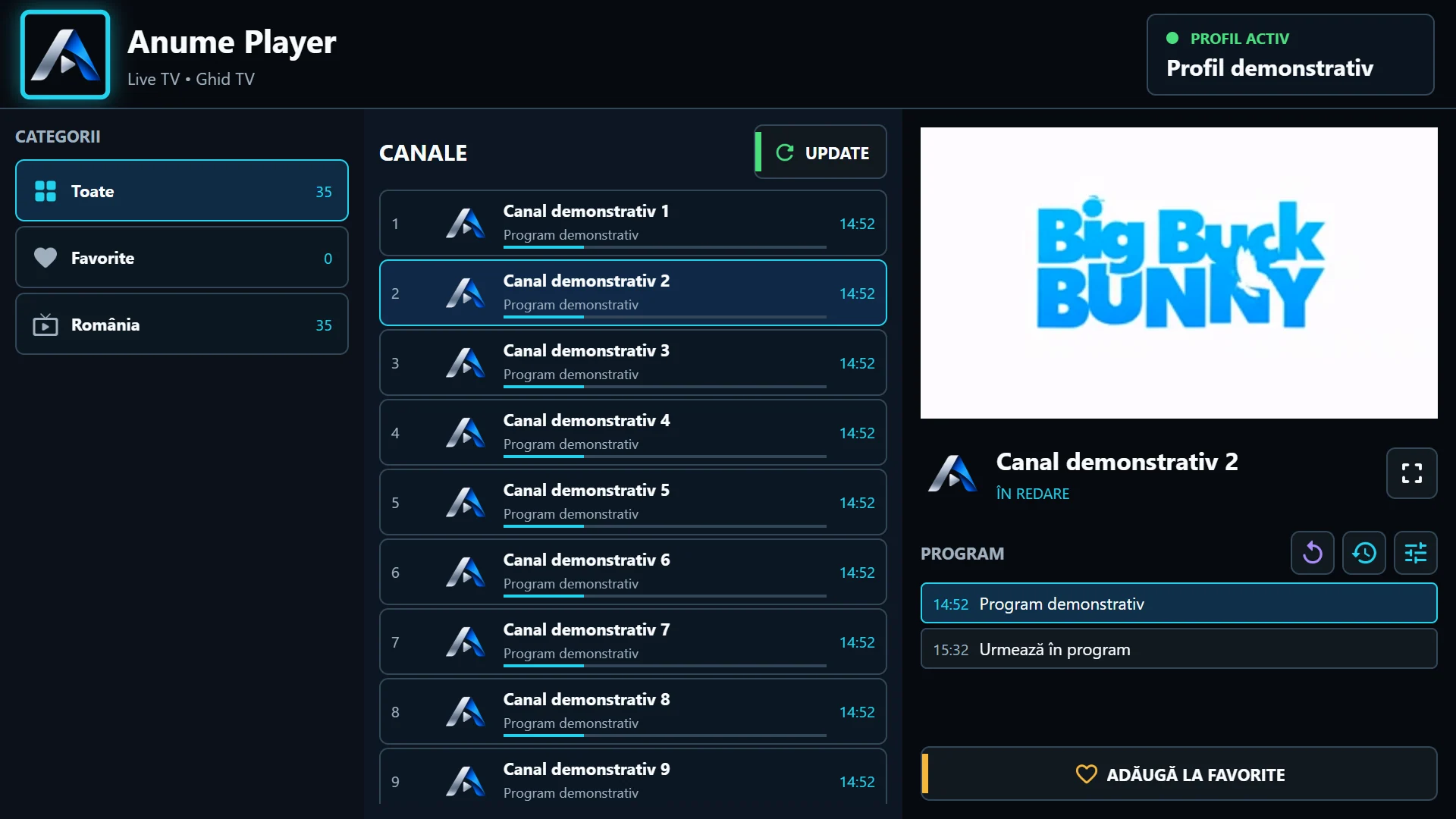
Select a category, then a channel. The first selection starts the channel in the mini-player. You can keep browsing while the picture remains on the right. To play another channel, confirm with OK rather than only moving focus to its row.
Same channel, one more OK
Select the playing channel again for fullscreen. The mini-player expand button leads to the same view. Back from fullscreen restores the list and mini-player; there is no need to select the category and restart the same stream.
In fullscreen live playback, left and right can switch channels. When an options panel is open, arrows navigate that panel. Check which control has focus before assuming the remote is not responding.
Return quickly without resetting the playlist
Use the previous-channel control available in the player to return to the station watched before. It helps alternate between two channels. Do not confuse it with Back, which navigates between fullscreen, the list and menus.
If button edges are missing or focus looks cropped, check TV framing before changing the playback engine. For a useful report, note the model, version and key sequence. Steps can differ on the phone edition or other systems.