Choose the title from the correct playlist
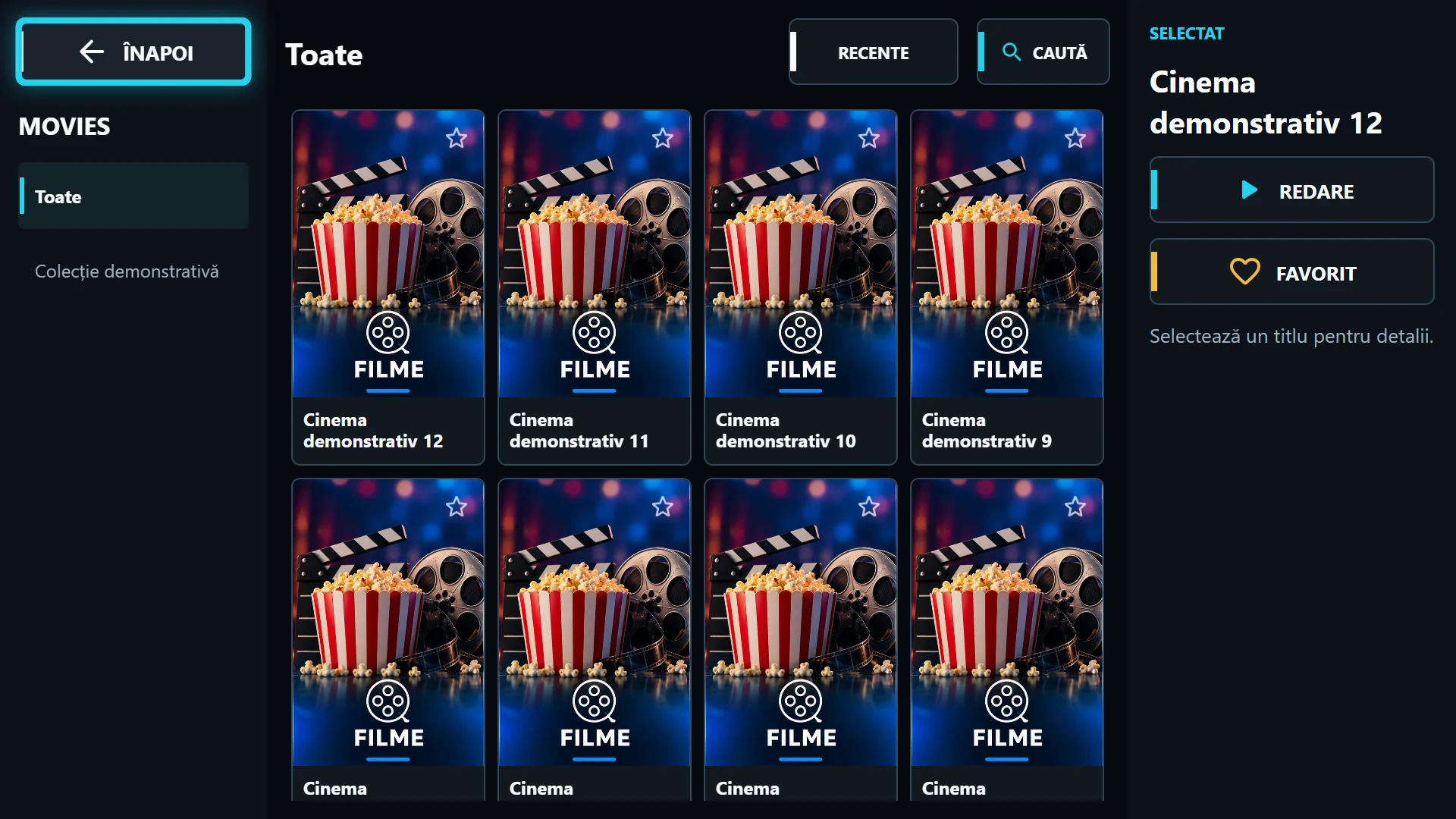
Open the same playlist and find the movie or series you watched. Where available, Continue brings together titles with saved progress. Also check Recents to find a title quickly, but do not confuse history with a downloaded video copy.
The progress indicator shows the known position for that catalogue item. Resuming also depends on the source allowing seeking. A stream labelled as a movie but delivered as a live, non-seekable feed does not behave like a VOD file.
Series progress belongs to episodes
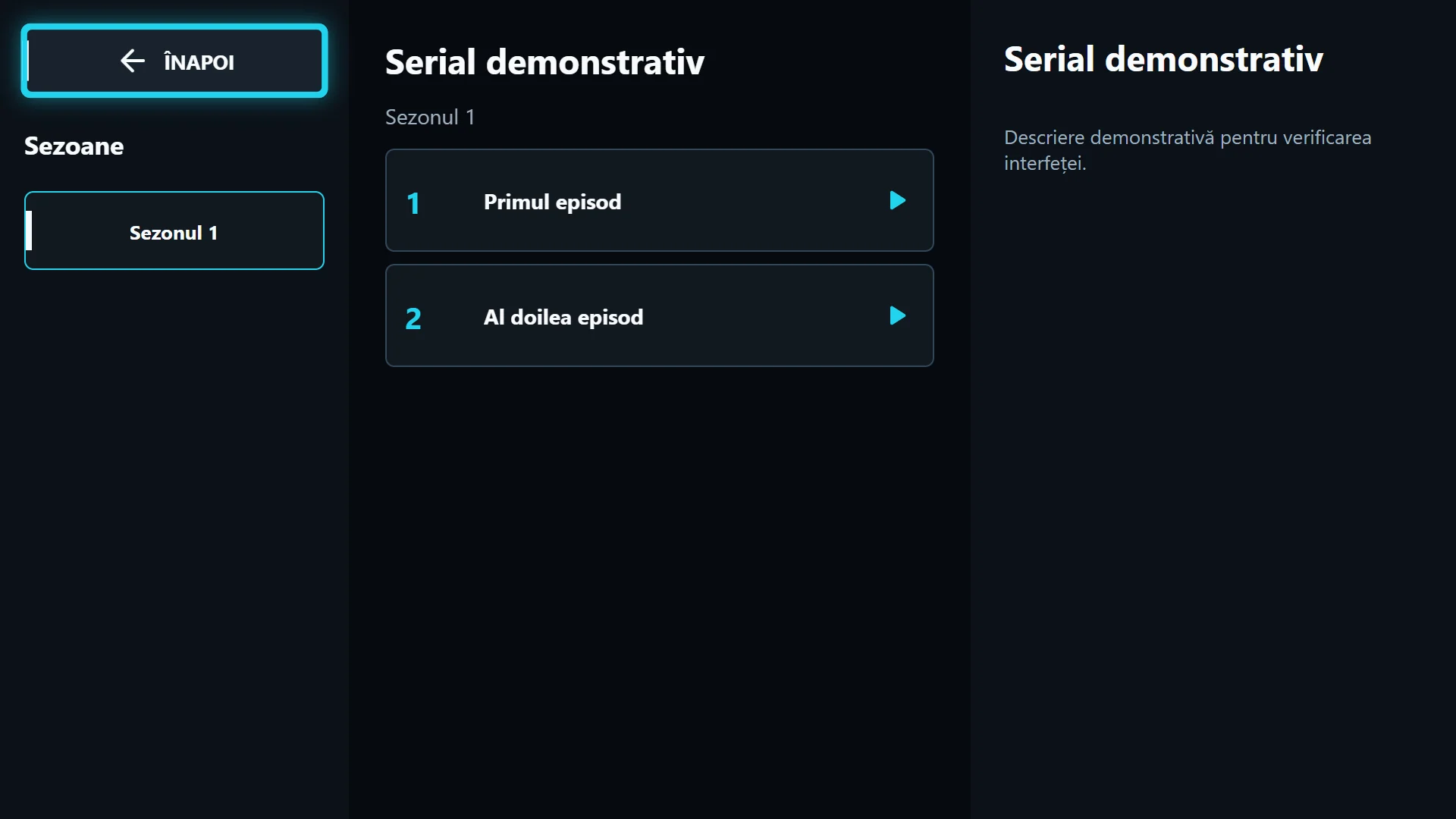
Open the series, select the season and check the watched episode. Different episodes have separate positions. The next-episode prompt is useful only when the source supplies episodes and their order; you can cancel if you do not want to continue.
If the provider misnumbers seasons or episodes, the app cannot reliably infer the story order from artwork. Record the title and affected episode and ask for catalogue correction. A Next button does not confirm a missing episode exists on the server.
What to check after a source changes
The same name can have a different identifier in another playlist. Do not assume movie progress automatically transfers between providers. MAC-based sync needs the service to be available and the correct identifier; it is not a guarantee for every reinstall or replaced catalogue.
If a title restarts from the beginning, first check the playlist, episode and whether seeking works. Do not clear data first: local information can be lost. Send support the version, title and exact behaviour without the provider URL containing credentials.