An approved account and a recognisable brand
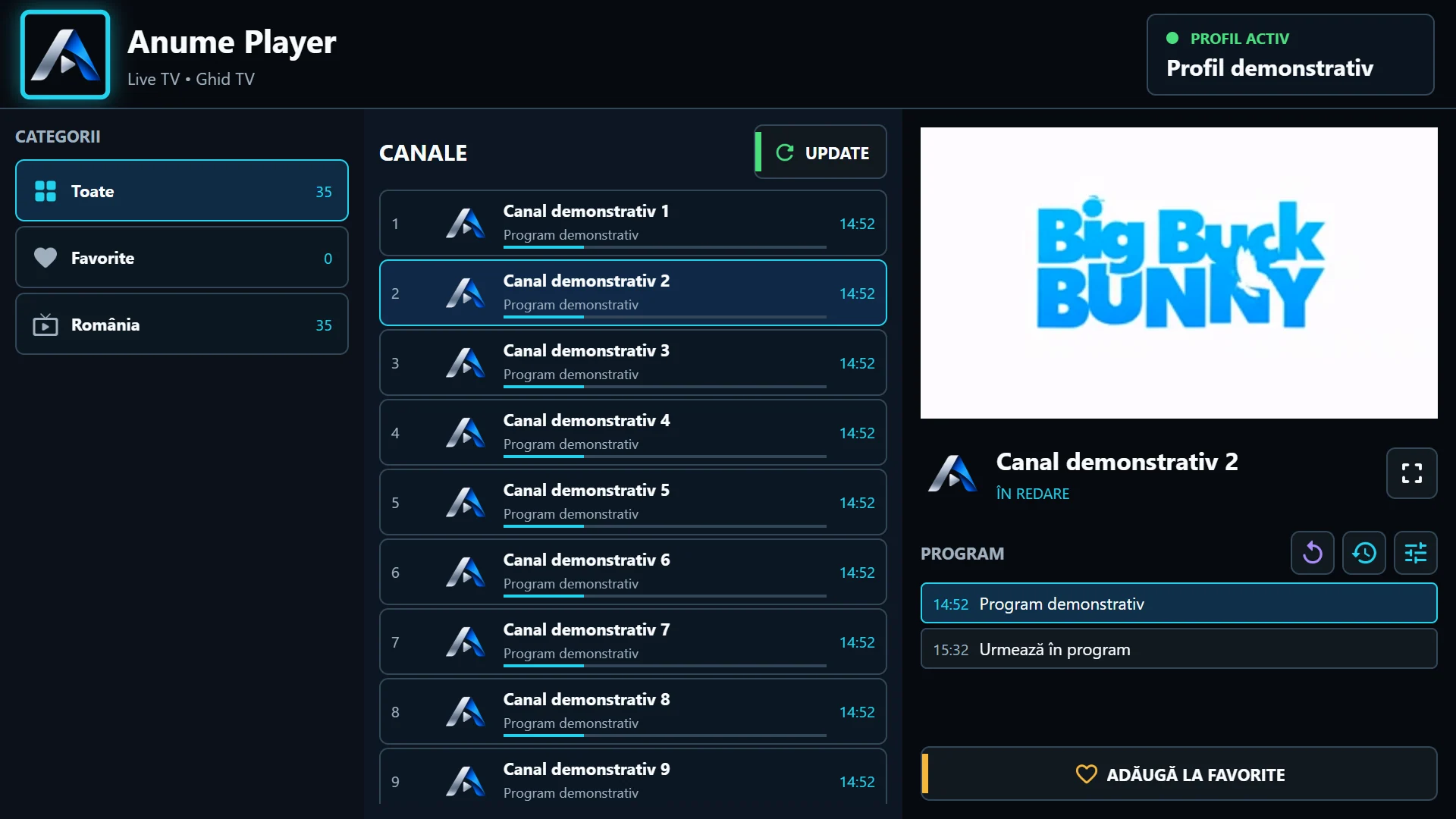
Reseller registration is a request, not automatic activation. After administrator approval, configure the name, logo and accent colour in the portal. Use a logo that remains legible at a small size and check it in the app after sync.
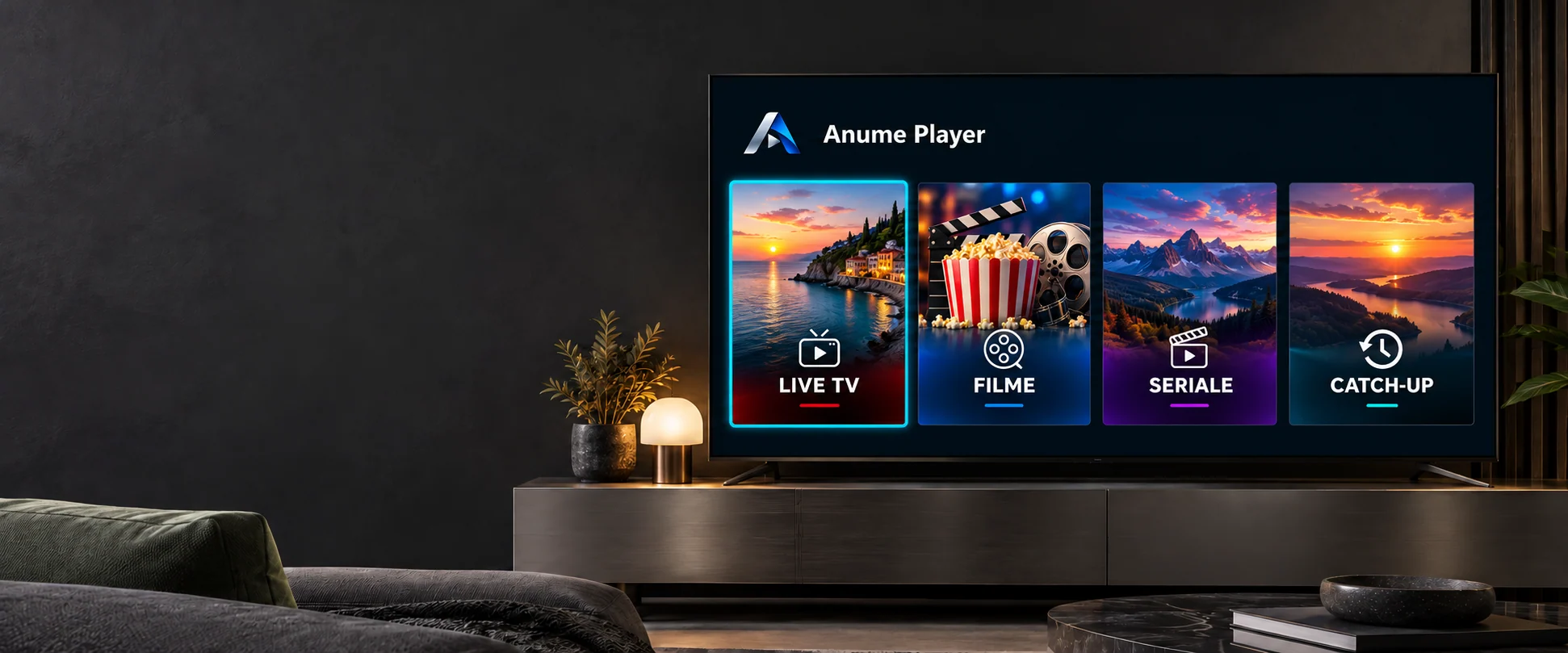
The launcher name and icon remain Anume Player. Menu branding and a fallback image for sources without icons do not change the installed package identity. Do not promise a separate store app when using this app’s branding configuration.
Check the MAC and playlist assignment
Use the identifier displayed by the customer app, not an assumed address from router settings. Give the playlist a clear name and verify reseller ownership. If a device has several playlists, the selected playlist also matters for branding.
For a move to another reseller, ask the administrator to assign ownership correctly. Do not create duplicates as a transfer method. After changes, sync the device and check the selected playlist. Updates cannot reach the TV while the portal or device connection is unavailable.
Keep the API key on your server
Generate a key in the approved account and store it privately. It is shown once. Integration uses HTTPS and Bearer authentication; the portal documentation defines exact routes and fields. Do not place the key in public JavaScript, URLs or a customer QR code.
Test with a dedicated MAC before bulk operations and check account activity after changes. Rotate or revoke an exposed key. The API manages authorised configurations and playlists; it does not by itself protect video streams or grant content rights.