Keep useful shortcuts
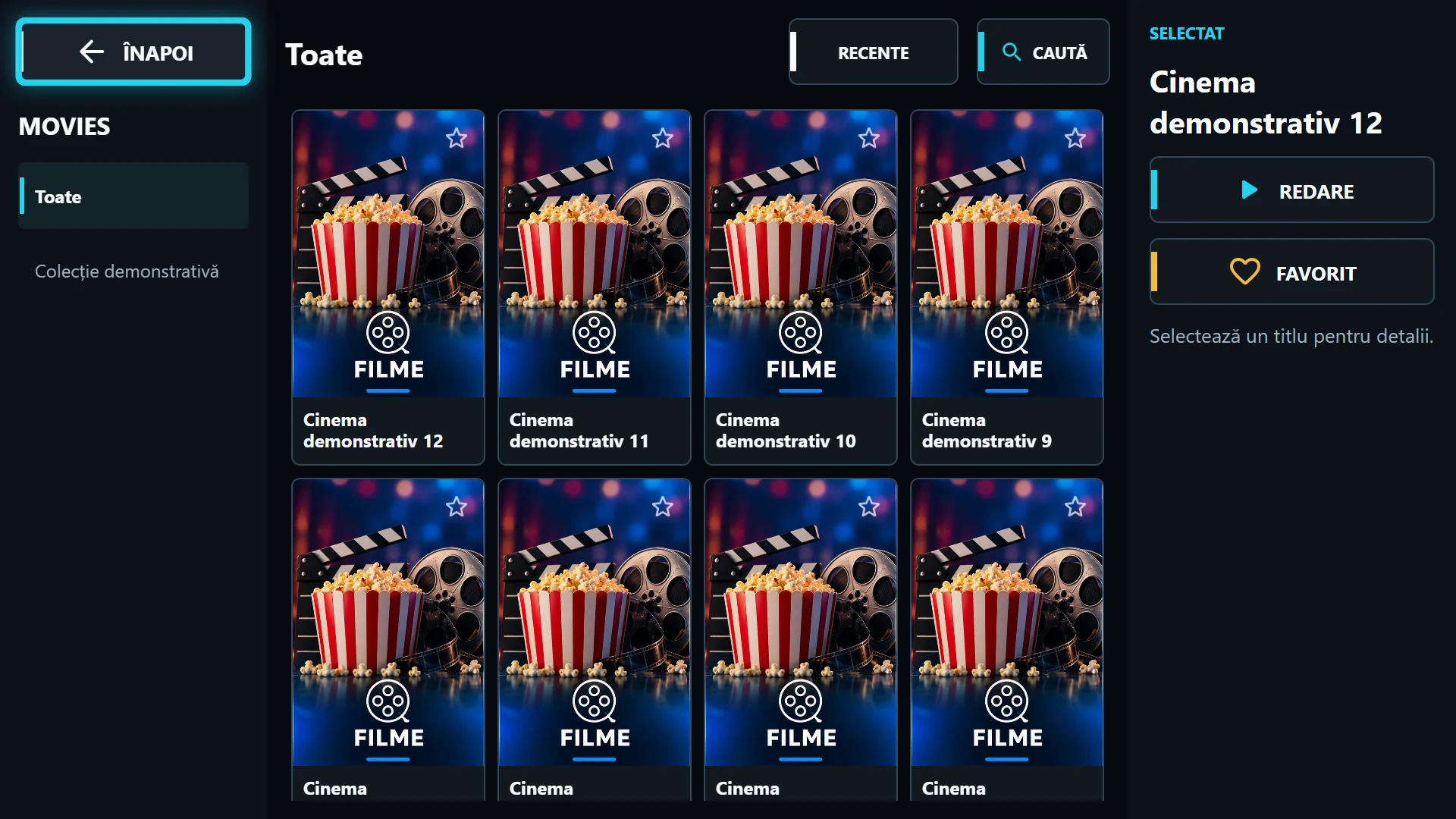
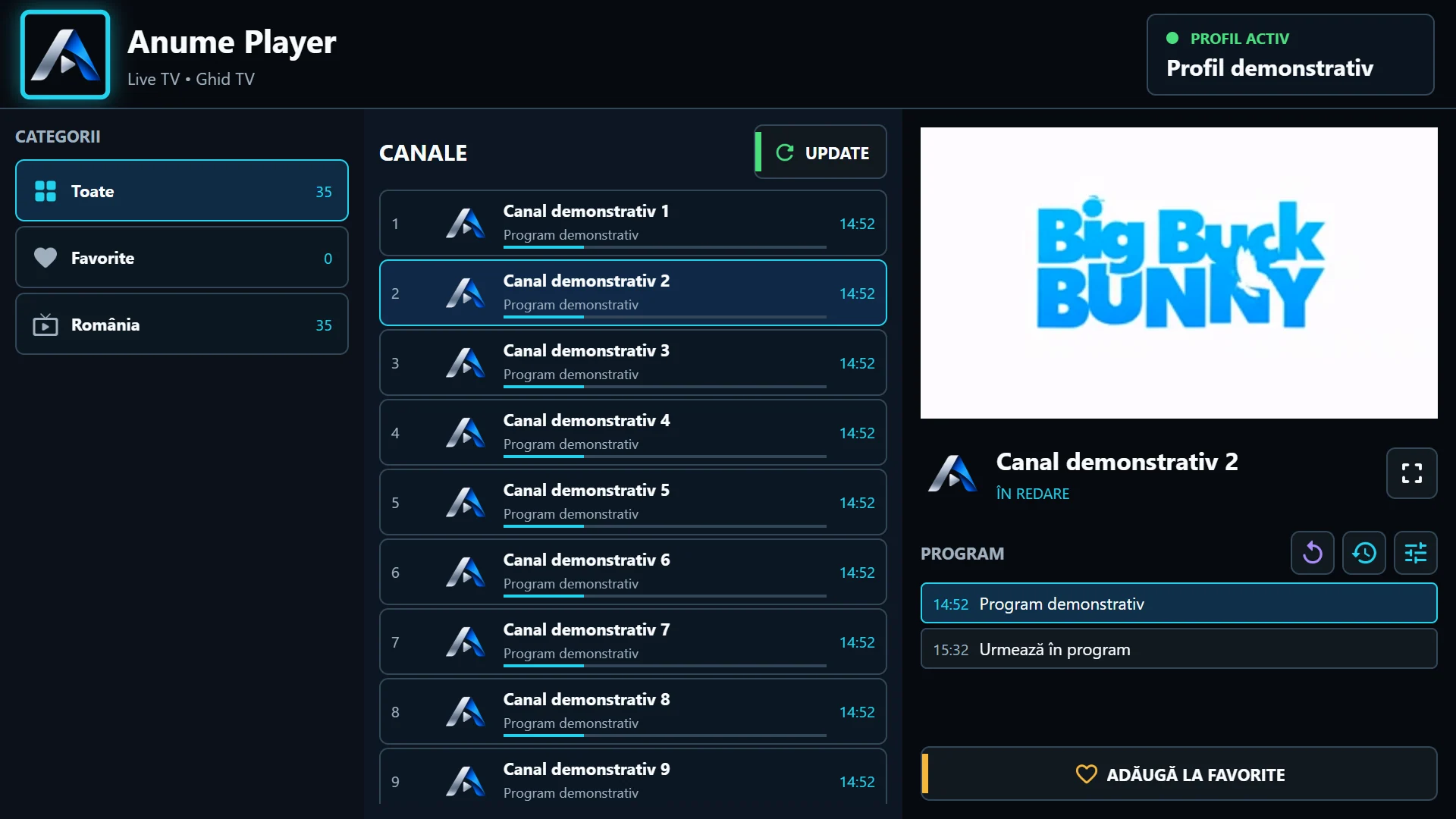
Favourite the channels and titles you choose often. A short favourites list is more practical by remote than marking the whole catalogue. If a channel has SD, HD and 4K variants, keep the ones that work well on your device.
When a favourite appears missing, first check the selected playlist and whether the source still supplies the item. The same name with another provider does not guarantee the same identifier. Do not create duplicate portal entries to recover a favourite.
Recents does not mean downloaded content
Recents is a quick route to watched content, not an archive hosted by the app. Playback still needs an available source, internet and valid access. For movies and episodes, also check saved progress before starting again.
If several people use the device, explain the difference between removing a shortcut and clearing app data. Resetting the app is not merely tidying a menu and can remove local playlist configuration.
The PIN protects in-app navigation
Configure a PIN and select categories to restrict in the available edition. Actually test a blocked category after setup. Keep the PIN separate from the provider password and out of public screenshots.
Player parental controls do not encrypt streams or replace provider account restrictions. Do not rely on them to prevent link extraction from a device controlled by someone else. Also check provider settings for content access controls.