Check playlist metadata
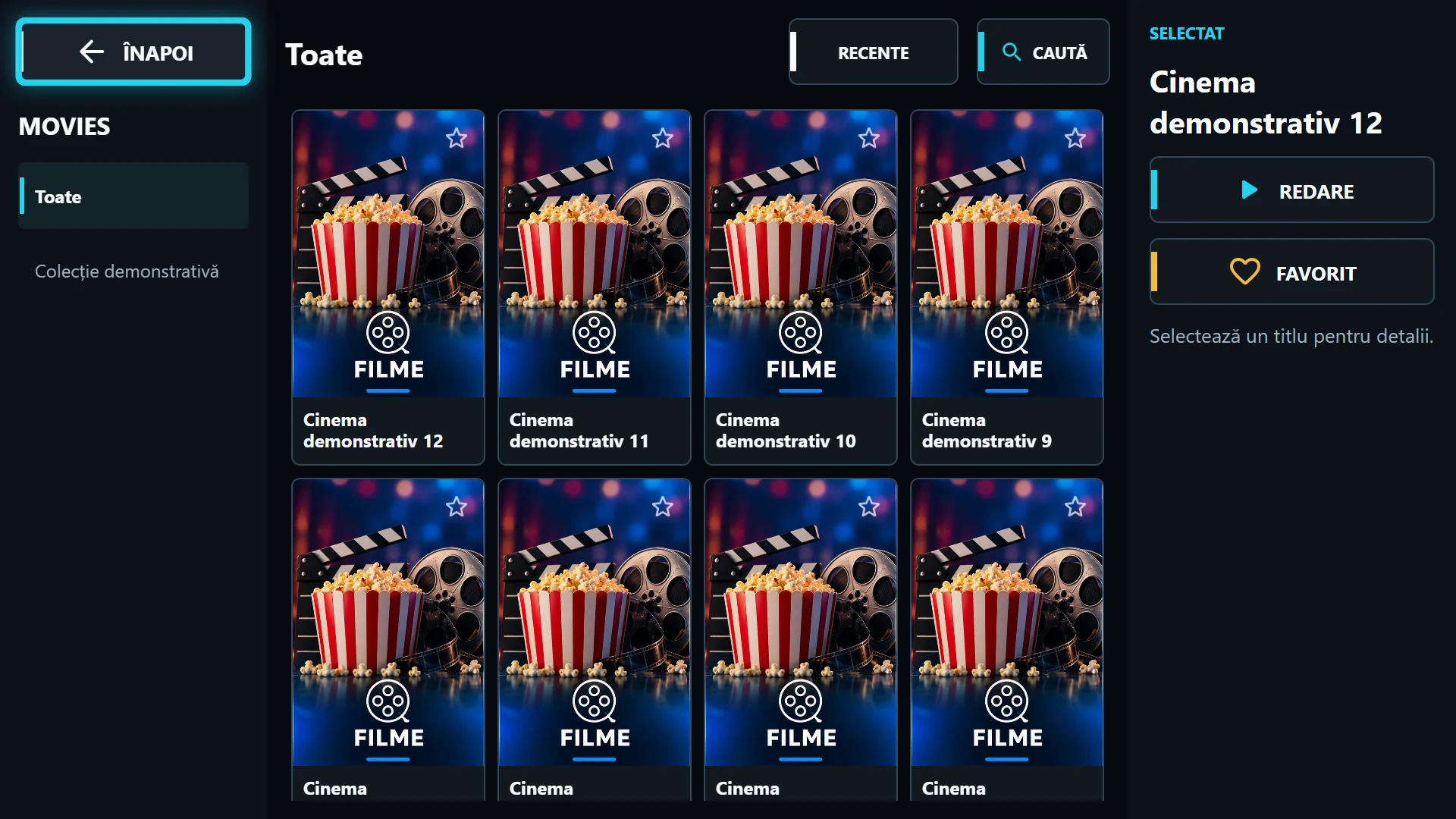
An Xtream source can provide poster URLs and details. A basic channel playlist or TS stream does not create an illustrated library by itself. If provider data contains no artwork, refreshing cannot invent the correct poster.
Compare two titles in the same category. If only one is affected, record the title and ask for its artwork address to be checked. If every title is affected, check access to the image server and the selected playlist. The video provider and artwork host need not be the same server.
Original resolution limits clarity
A small thumbnail enlarged on a 4K TV may remain blurry even on a fast network. Landscape artwork in a portrait area may have bars or cropping. These differ from a movie playing at low resolution.
Ask the source for suitable artwork and check whether the title has a poster or backdrop. Do not switch Exo/VLC to fix an undersized image: the video engine cannot add actual detail to a cover. For an interface issue, send a screenshot showing the proportions.
Refresh without resetting the app
After provider metadata is corrected, refresh the playlist and return to the category. Cache may temporarily retain old artwork. Refresh playlist and Clear app data are different operations; the latter can also remove local configuration.
On the phone, account for the current edition’s HTTPS requirement and resource addresses. Send support the title, edition and a screenshot without credentials. Explicitly say whether the movie plays: this helps separate artwork and stream errors.