Anume Player / Blog GUIDES · TIPS · PRODUCT NEWS
Anume Player Blog Make more of your player. Practical answers for your TV, phone and playlists, with updates from Anume Player.
All articles Guides Tips News Tips · 6 articles Reset
Tips Oct 29, 2026 2 min
Cropped buttons or excessive margins in Anume Player: check TV display framing, Fire TV display settings and options in the installed edition.
Read article: Menu edges off-screen? Check TV and Firestick framing
Tips Oct 29, 2026 2 min
Organise Anume Player with favourites and recents, check the selected playlist and use category PIN controls without confusing them with DRM.
Read article: Favourites, Recents and PIN: simpler menus for the family
Tips Oct 29, 2026 2 min
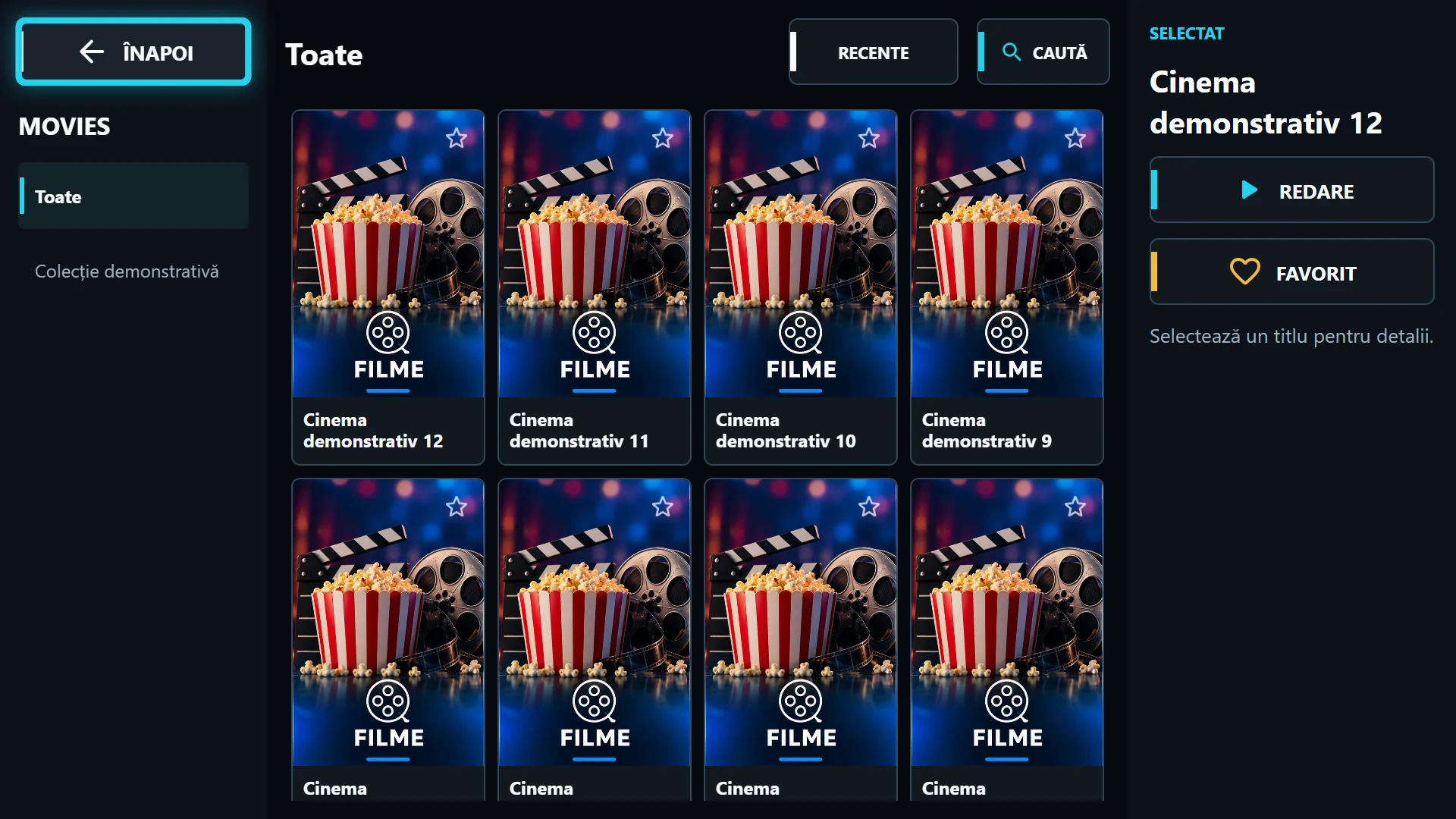
Where Anume Player covers come from, why a movie can play without a poster and how to check image sources, cache and the selected playlist.
Read article: Missing or blurry movie posters: what to check
Tips Oct 29, 2026 2 min
Compare Exo and VLC in Anume Player on Android and Fire OS: test the same playlist, Auto mode, startup, audio and picture without universal claims.
Read article: Exo or VLC? Choose the right player for your playlist
Tips Oct 29, 2026 2 min
The difference between the Anume Player portal and the video server: saved playlists, features needing sync and why playback still needs internet.
Read article: If the portal goes down, what still works in Anume Player?
Tips Oct 29, 2026 2 min
Organise Anume Player reseller playlists: account approval, logo and colour, MAC association, server-side API keys and activity checks.
Read article: Logo, colour and API: a simple reseller workflow
ABOUT THIS BLOG
From the product, for its users. Published by Anume Player. These articles describe our app and its current public setup, with practical troubleshooting steps. Publication dates refer to the article, not a new app release. Platform differences and provider requirements are stated where relevant.
Anume Player includes no channels or subscriptions. Use your own authorised content. Spotted an error? Contact [email protected]
Follow via RSS