What is new in Anume Player for Windows
SD, HD, FHD and 4K versions remain separate and follow your playlist order. The PC app has search, categories, a mini-player, TV guide and favourites. Movies and episodes can resume if the source supports seeking.
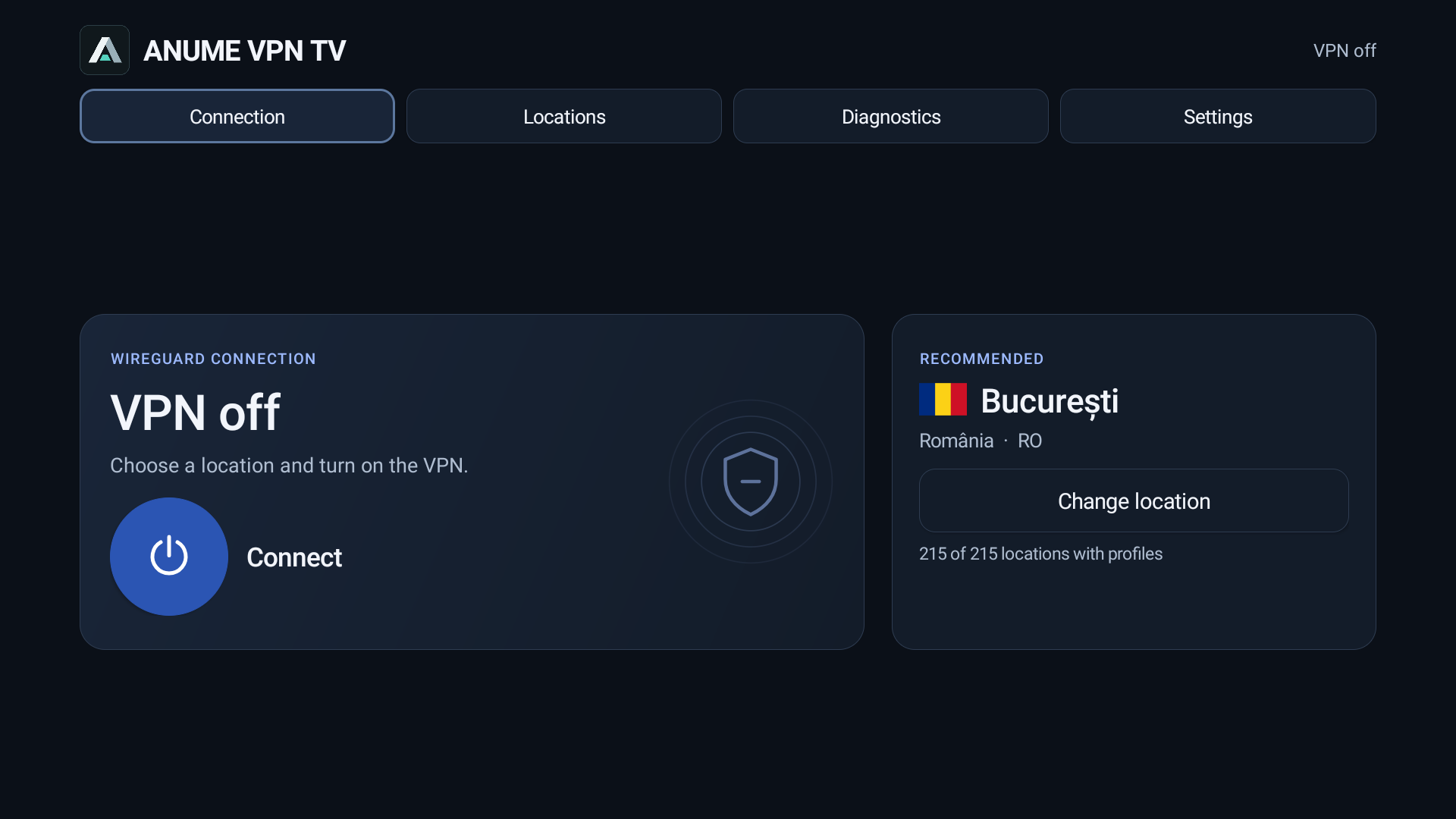
Windows 2.5.4 shows ANUME VPN connection stages more clearly, from Windows approval to tunnel verification. It is available as an unsigned test installer, with a SHA-256 checksum on the Windows page.
ANUME VPN pairing on PC
The pairing API now accepts Windows. The six-digit code shown by the VPN app is approved in the portal; it is not the identifier used to add a playlist to the player. After approval, choose an available location and connect.
ANUME VPN uses WireGuard. Connection status and diagnostics are separate from video playback; connecting to the VPN adds no content to the player.
Edition status
ANUME VPN Fire OS 1.0.17 and Vega OS 1.1.9 were submitted for Amazon Appstore review. Submission is not a release. ANUME VPN for Android phones is still in testing.
Existing public Anume Player downloads for TV and phones, including the Downloader link and code, are unchanged.