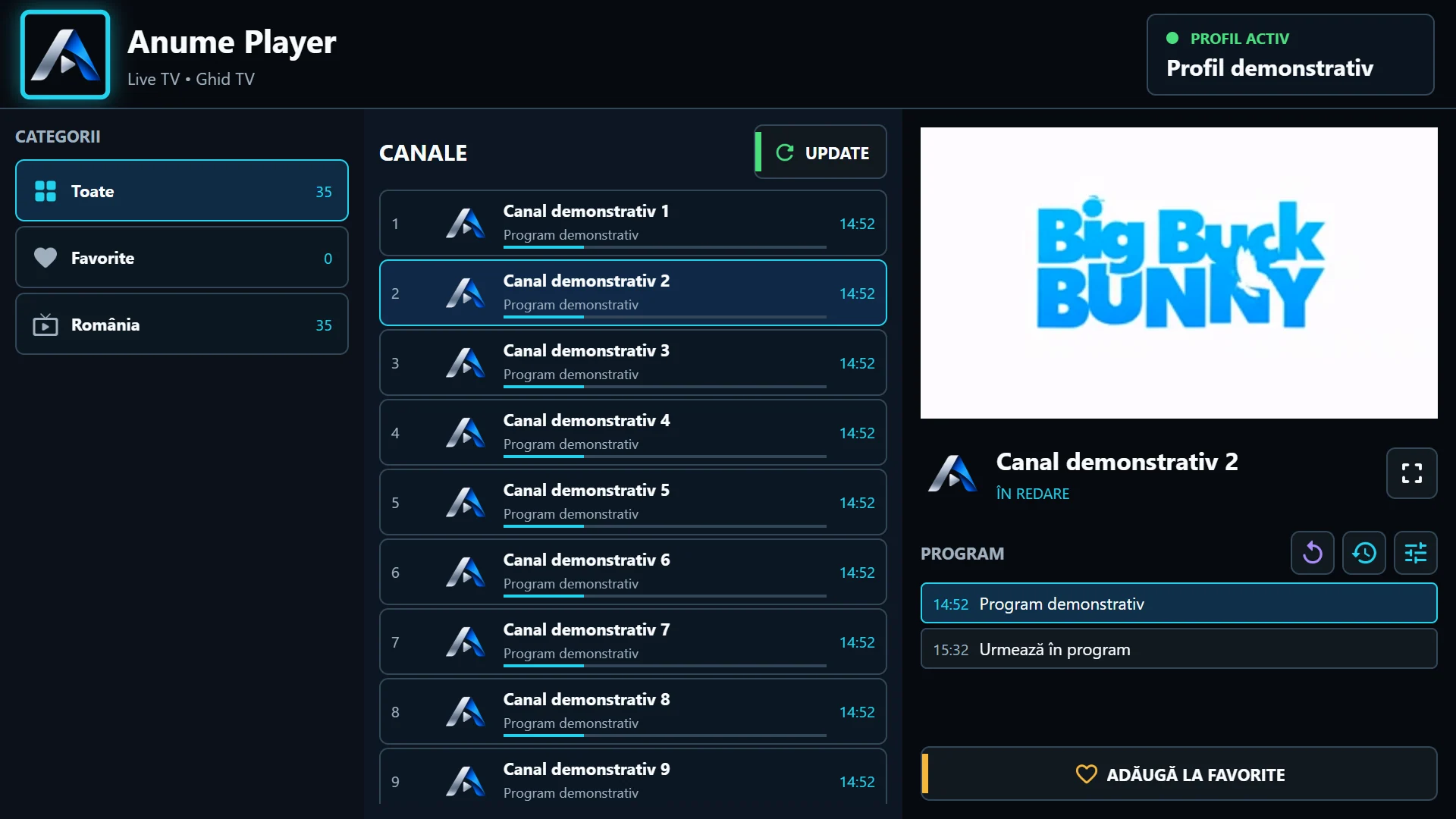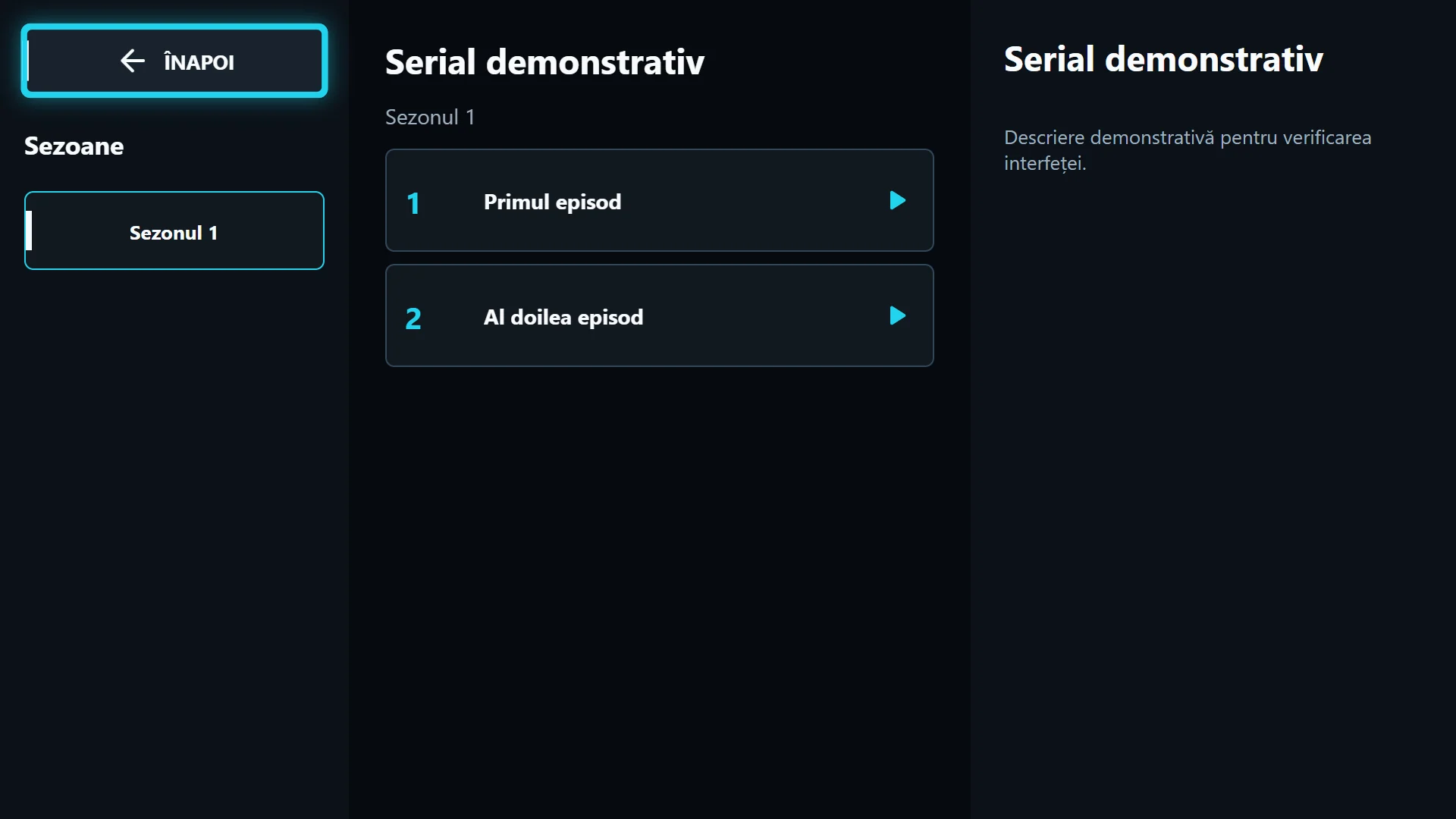
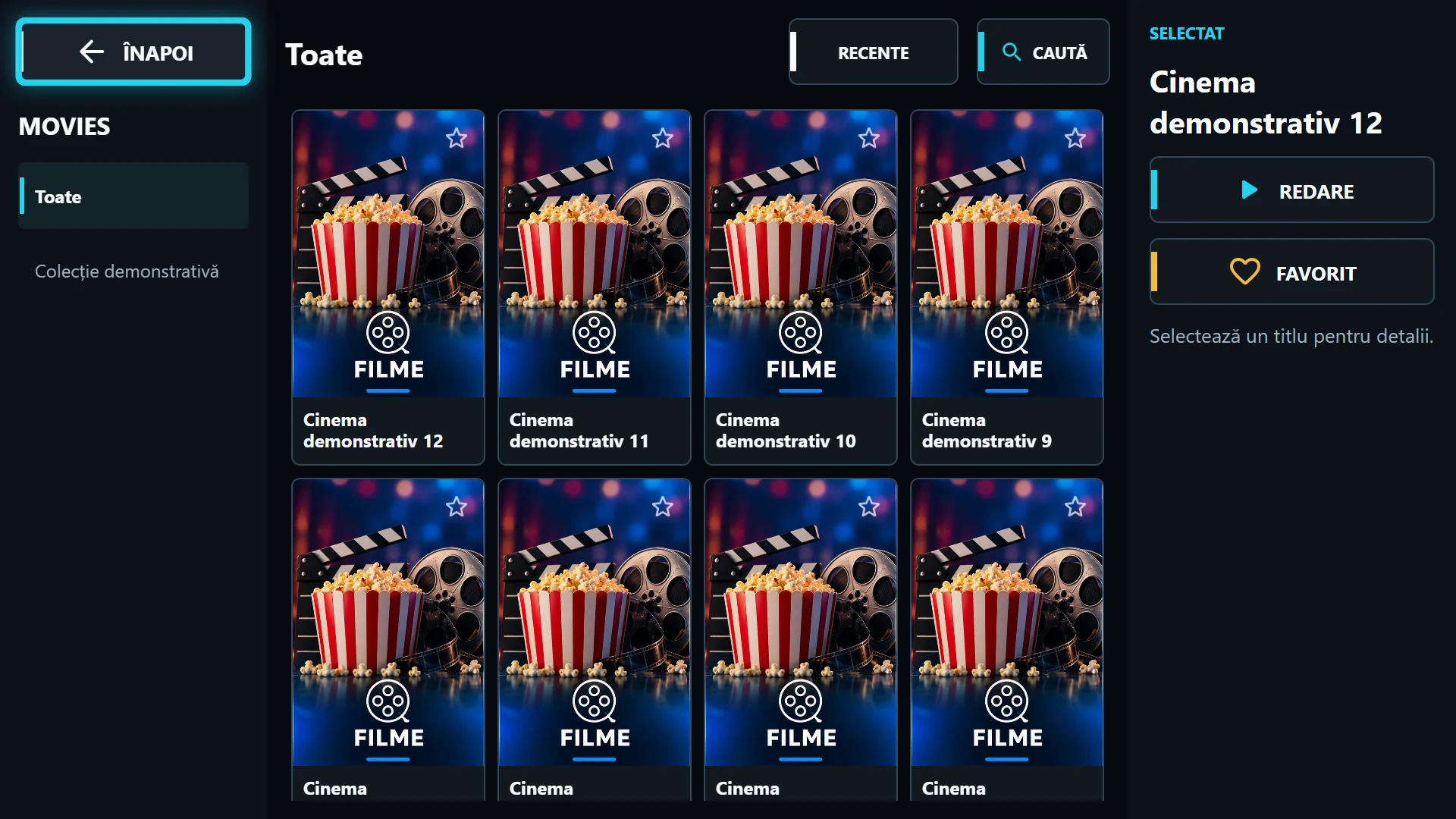
What does your playlist actually provide?
An Xtream source can provide separate live, movie and series categories if the provider includes them in the account. An M3U playlist containing live channels does not automatically create seasons and episodes. A direct TS URL is a stream, not a complete catalogue.
If Live TV works but movies are missing, confirm that the account includes VOD access. Also check the selected playlist name: two playlists on the same TV can have different libraries. Do not copy credentials to another playlist merely because server names look similar.
Refresh the library and clear filters
Use Refresh playlist to reload catalogue data and cache, then select All. Check whether an empty category, search or favourites filter is still active. Sorting by latest additions changes order, not the account’s access rights.
If only covers are missing, check whether the provider supplies working image URLs. Artwork and video are separate resources: a poster may load when the movie is unavailable, and a movie may play without a poster. On the phone edition, sources must meet the HTTPS requirement.
Separate playback errors from catalogue errors
If title details open but Play fails, test another title in the same playlist. In the Android / Fire OS edition, try the alternative engine. Note whether the issue affects one file, a season or the entire library.
Keep the exact error and app version. Do not clear data or uninstall before diagnosing: you may lose local configuration. For a file issue the provider needs the title and episode; for an interface issue support also needs the device model.