Read MAC from photo (processed locally in your browser)
Instead of transcribing 12 hexadecimal characters manually, take a clear photo of your TV screen and tap Read MAC from photo on the playlist upload page. Text recognition runs locally in your browser, so the photo itself is never uploaded to our servers.
Double-check the detected characters (especially 0 vs O or B vs 8 on bright displays) before submitting the form.
Import M3U URL or Xtream credentials without errors
If your provider gave you a full URL containing host, username and password (such as get.php?...&username=...&password=...), click Import link on the upload page. It automatically parses the host, user and password for Xtream or keeps the direct URL for M3U.
Want to confirm your TV reaches our server before adding your own list? Use the safe test/demo playlist option available on the upload page.
Refresh the playlist inside the app
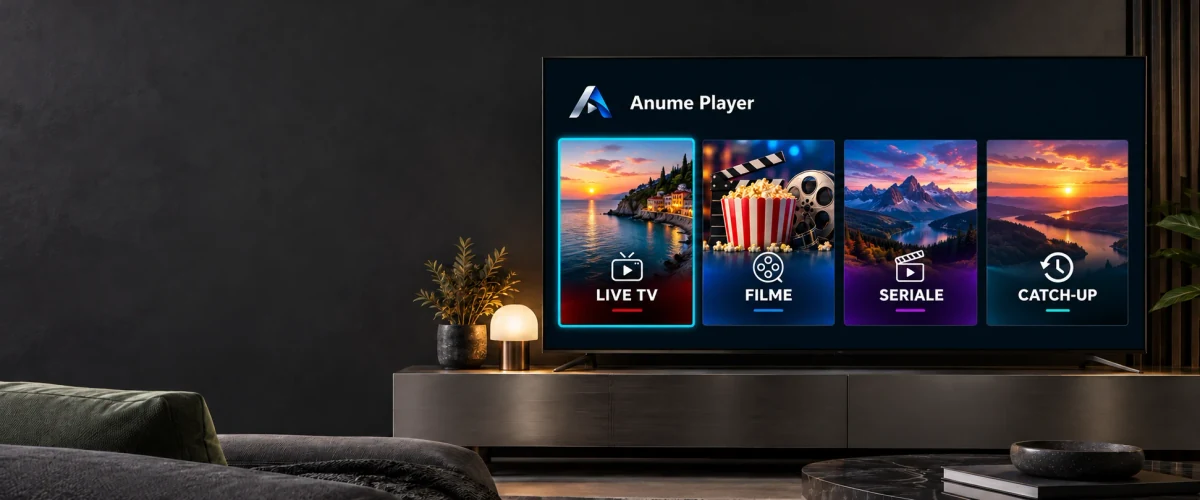
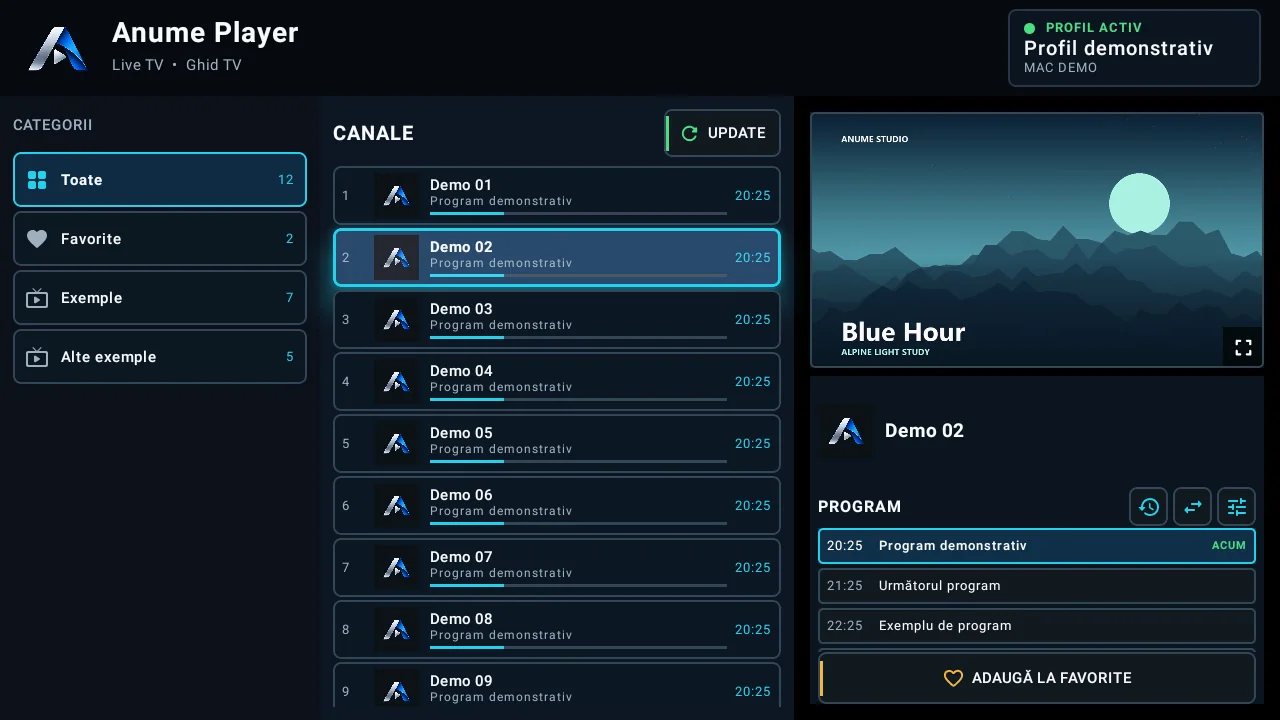
After seeing confirmation on the website, return to your TV, phone or Windows PC and select Refresh playlists or restart Anume Player. Your list appears under the custom name you gave it, and multiple lists can coexist on one MAC.