1. Pick the right method for your Fire TV model
If you search for Anume Player in Amazon Appstore straight from your Fire TV home screen and see the download button, this is the simplest route and is required on Vega OS devices (which do not accept Android APK files).
On Fire OS sticks where you want the official TV APK with its built-in updater, install the free Downloader app by AFTVnews from the Amazon Store, then enable Install unknown apps for Downloader in Settings -> My Fire TV -> Developer Options.
2. Enter Downloader code 7616005 and install
Open Downloader, accept the initial prompt, type the numeric code 7616005 into the central URL box and press Go. The code redirects straight to the latest verified TV APK without typing long URLs.
Once downloaded, select Install. If you already had our official TV APK installed, install right over the existing app instead of uninstalling so your MAC, playlists and favourites remain untouched.
3. Note the on-screen MAC and upload your playlist
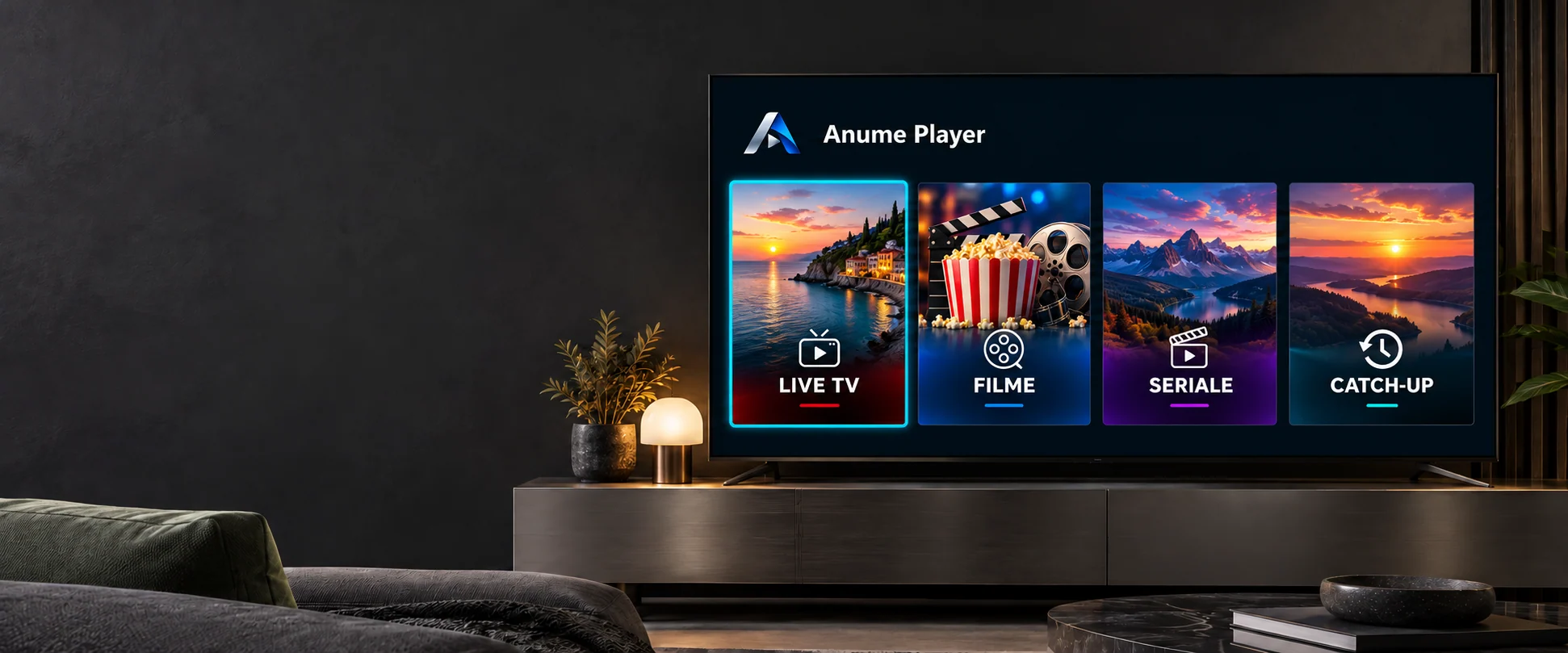
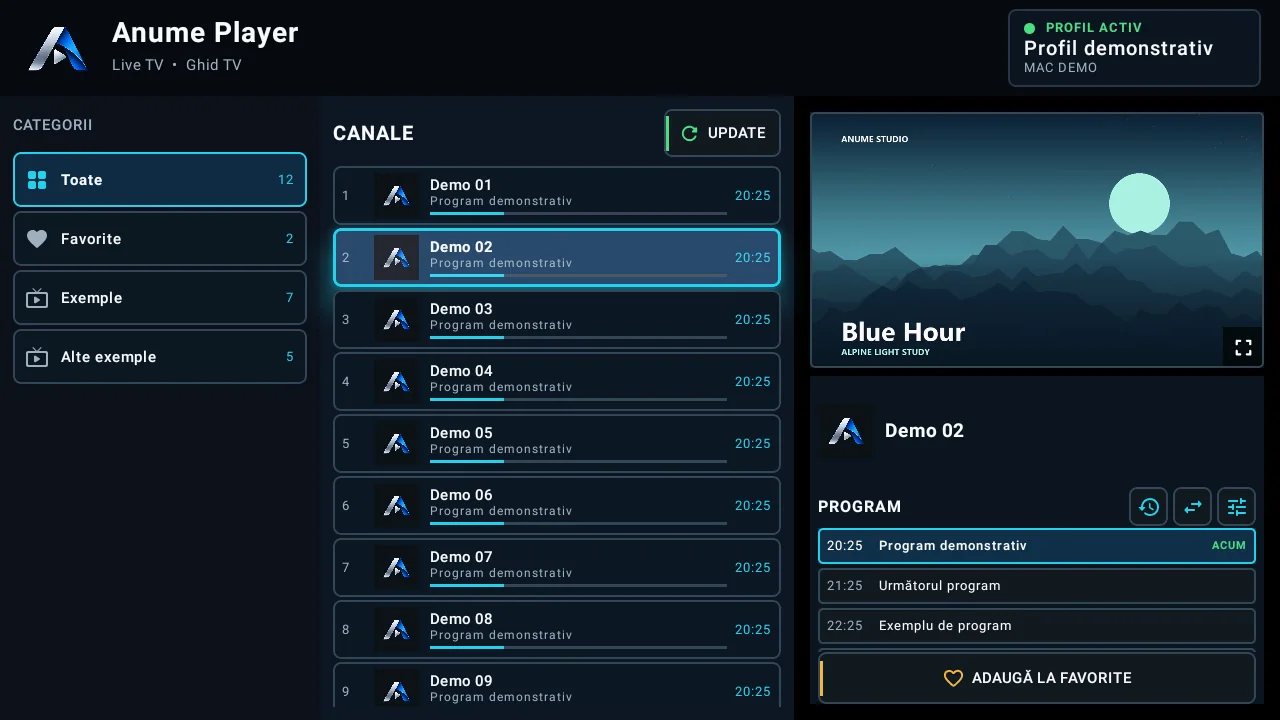
When opened for the first time, Anume Player shows your app MAC on screen. On your phone or laptop, visit anumeplayer.ro/upload/, enter the MAC (or snap a photo of the TV screen and use Read MAC from photo), paste your M3U URL or Xtream credentials, save, and refresh inside the app.